
The 6-Shot system

The 6-shot system is a system for taking shots that will capture and intrigue the person viewing the shot.

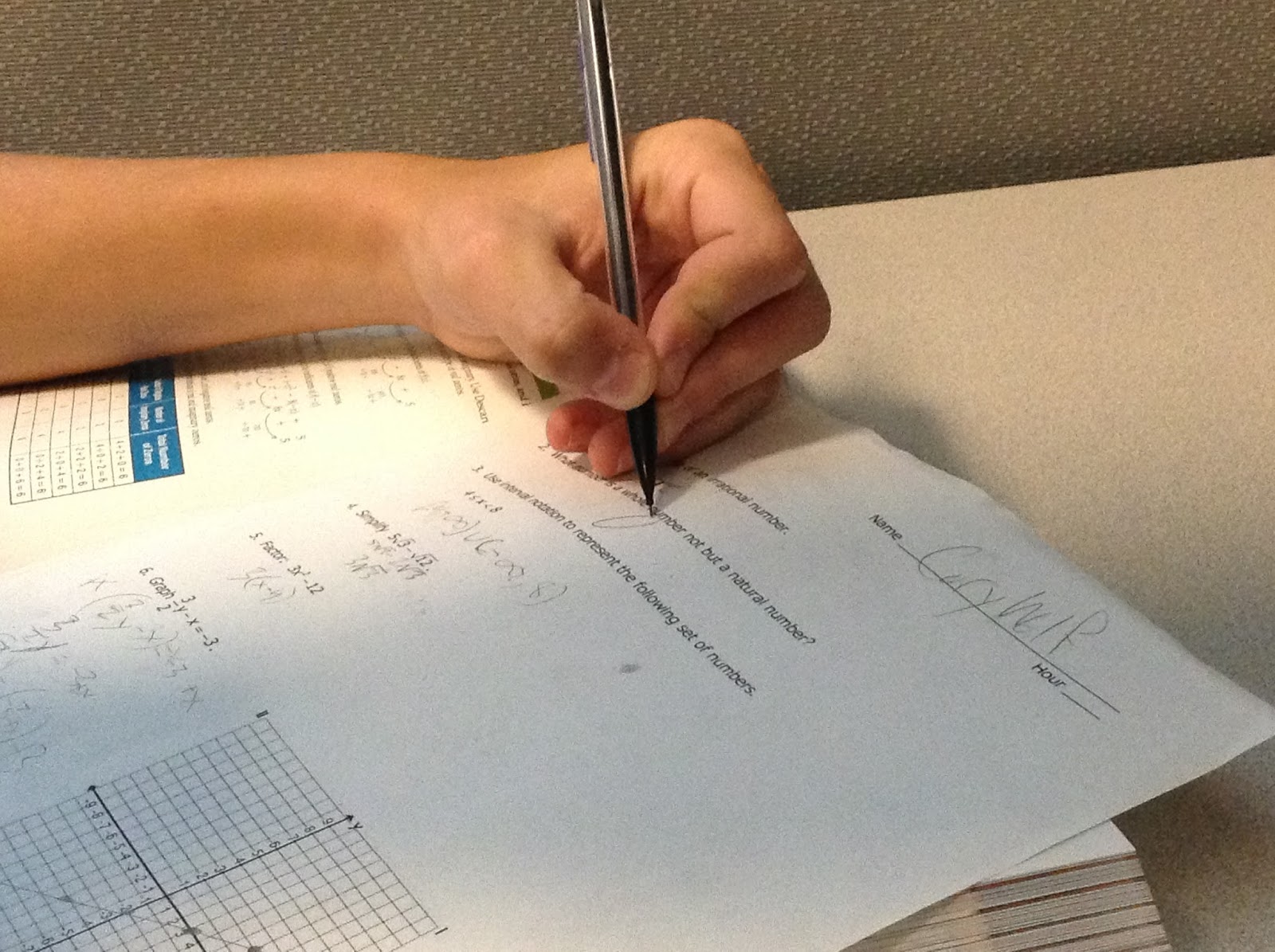
1. The first shot is the close up of the hands/feet shot. This shot shows action and what the person is doing.

EX:
2. The second shot is the close up of the face. This show shows emotion and what the person is thinking

EX:

3. The third shot is the over the shoulder shot. this shot shows you the perspective of the person shown.

EX:

4. The forth shot is the medium shot. This shot is usually from the waist up and shows you what the person looks like in detail.

EX:


 5. The fifth shot is the wide shot. This shot is usually head to toe and shows a little bit of the surroundings.

EX:


6. The sixth shot is the extra-wide shot. This shows all of the person and there surroundings.

EX 

These are the 6 shots that will help you capture the viewer and make them want to se more of your shots.

Comments

Popular posts from this blog

Zoe's Zebras Logo

I was told to make a logo for Zoe's Zebras, And at first I was going to make it a zebra shop. Then I thought that that did not make because selling zebras is probably illegal  so I turned it into a wildlife protection agency for zebras. That is why I chose the shield. I chose the double Z and the single Z designs for obvious reasons but The one that looks like an hour glass was a Z that I accidentally joined, but it looked like a nice logo so I kept it. The top ones are nice and smooth but the bottom ones have missing patches to look like a zebra.

Logo With Color

I chose to use this color scheme because the green adds color but does not take over the the logo. The red adds a pop of color and complements the green. 

New Index Page

Index page link:  http://eravensonline.net/students/823cw21/ In this project we revamped our index page. We integrated things we learned from recent projects. This includes color schemes, depth, and Google web fonts. I used the background to create a good looking color scheme. I used shadows and CSS ribbons to add depth to the site. I chose two google web fonts to add, one for the headings and one for the text.